Team Edition
Share skills across your entire team. Clone once, update with one command, sync everywhere.
Overview
┌─────────────────────────────────────────────────────────────────┐
│                    TEAM EDITION WORKFLOW                        │
│                                                                 │
│   ┌─────────────────────────────────────────────────────────┐   │
│   │              GitHub: team/shared-skills                 │   │
│   │   frontend/ui/   backend/api/   devops/deploy/          │   │
│   └─────────────────────────────────────────────────────────┘   │
│                              │                                  │
│              skillshare install --track                         │
│                              │                                  │
│                              ▼                                  │
│   ┌─────────────────────────────────────────────────────────┐   │
│   │  Alice's Machine          Bob's Machine                 │   │
│   │  _team-skills/            _team-skills/                 │   │
│   │  ├── frontend/ui/         ├── frontend/ui/              │   │
│   │  ├── backend/api/         ├── backend/api/              │   │
│   │  └── devops/deploy/       └── devops/deploy/            │   │
│   └─────────────────────────────────────────────────────────┘   │
│                              │                                  │
│              skillshare update _team-skills                     │
│                              │                                  │
│                              ▼                                  │
│   ┌─────────────────────────────────────────────────────────┐   │
│   │  Everyone gets updates instantly                        │   │
│   └─────────────────────────────────────────────────────────┘   │
│                                                                 │
└─────────────────────────────────────────────────────────────────┘
Why Team Edition?
| Without Team Edition | With Team Edition |
|---|---|
| "Hey, grab the latest deploy skill from Slack" | skillshare update --all |
| Copy-paste skills between machines | One command installs everything |
| "Which version of the skill do you have?" | Everyone syncs from same source |
| Skills scattered across docs/repos | One curated repo for the team |
Quick Start
Team Lead — Create a repo and share the install command:
# Create a skills repo on GitHub/GitLab/Bitbucket, add your team's skills
# Share this command with team members
skillshare install github.com/your-org/team-skills --track && skillshare sync
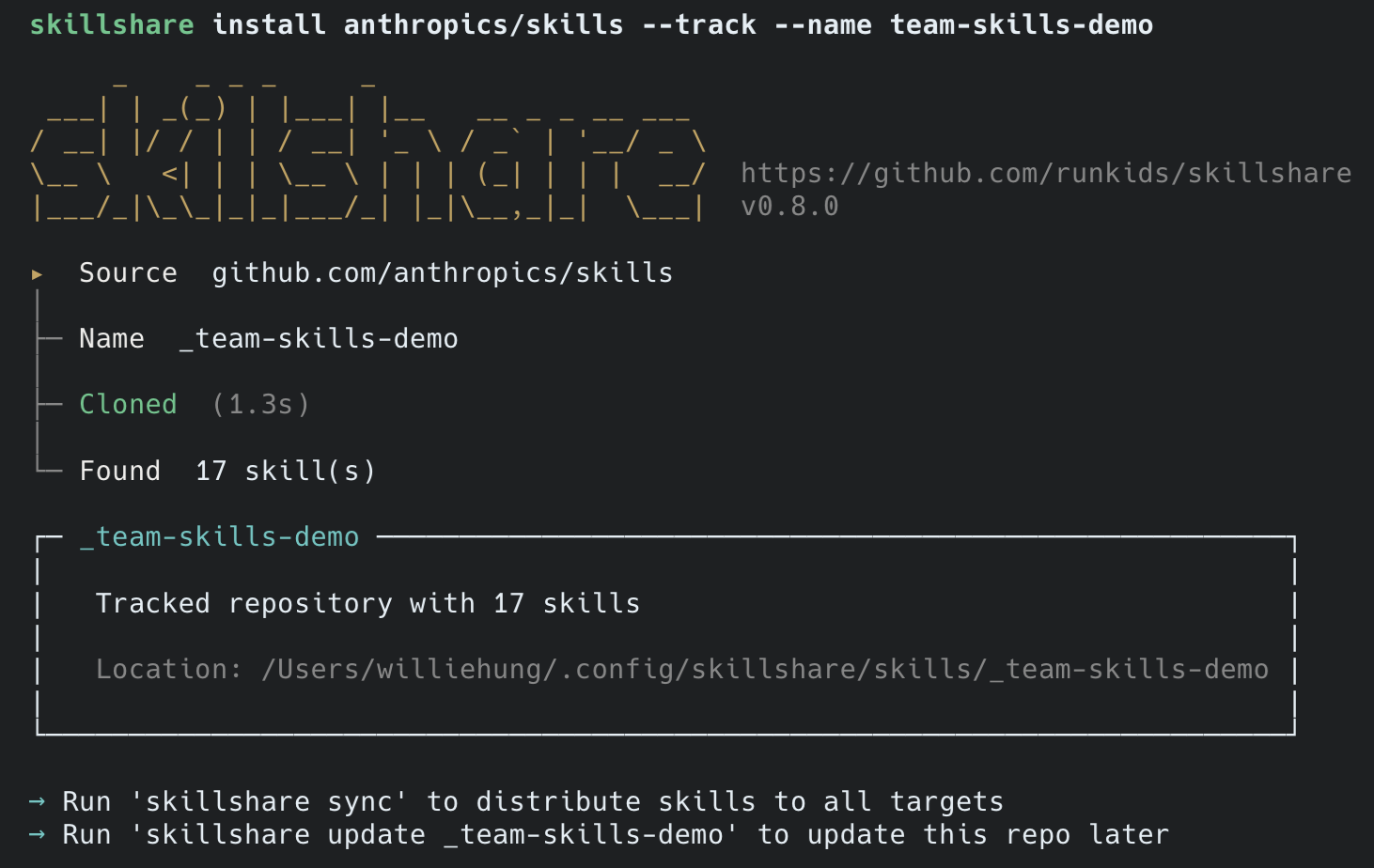
Team Member — One command to install all team skills:
# Supports various git URL formats
skillshare install github.com/team/skills --track
skillshare install [email protected]:company/skills.git --track --name company-skills
skillshare sync
Daily Usage
Get Latest Skills
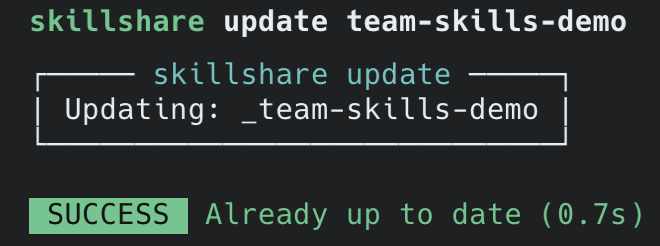
When Team Lead updates the repo:
skillshare update --all    # Pull all tracked repos
skillshare sync            # Sync to all AI CLIs
Check Status
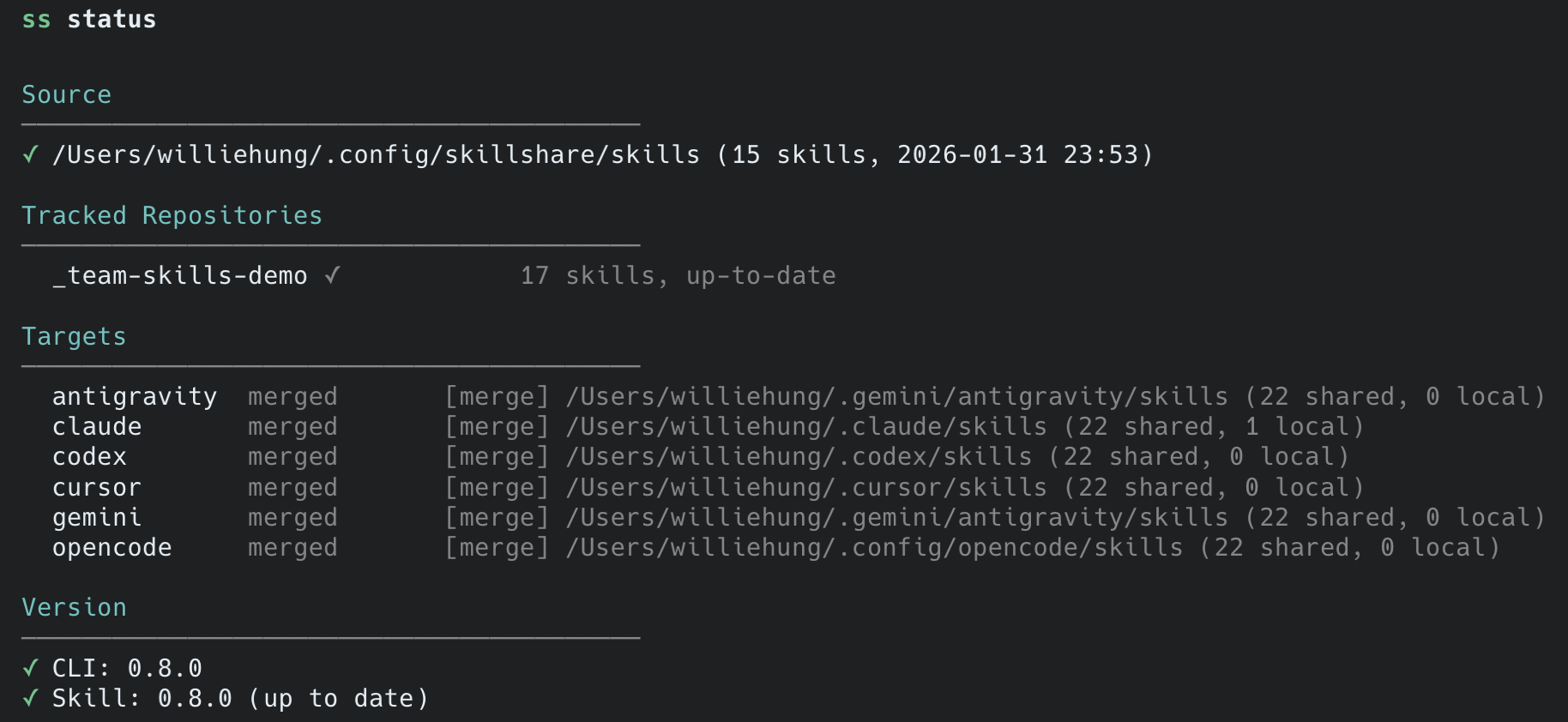
skillshare status          # View sync status and version
skillshare list            # List all skills
Nested Skills
Organize skills in folders. Skillshare flattens them for AI CLIs:
┌─────────────────────────────────────────────────────────────────┐
│           SOURCE                      TARGET                    │
│  (your organization)            (what AI CLI sees)              │
├─────────────────────────────────────────────────────────────────┤
│  _team-skills/                                                  │
│  ├── frontend/                                                  │
│  │   ├── react/          ───►   _team-skills__frontend__react/  │
│  │   └── vue/            ───►   _team-skills__frontend__vue/    │
│  ├── backend/                                                   │
│  │   └── api/            ───►   _team-skills__backend__api/     │
│  └── devops/                                                    │
│      └── deploy/         ───►   _team-skills__devops__deploy/   │
└─────────────────────────────────────────────────────────────────┘

• _ prefix = tracked repository
• __ (double underscore) = path separator
Collision Detection
When multiple skills have the same name field, sync warns you:
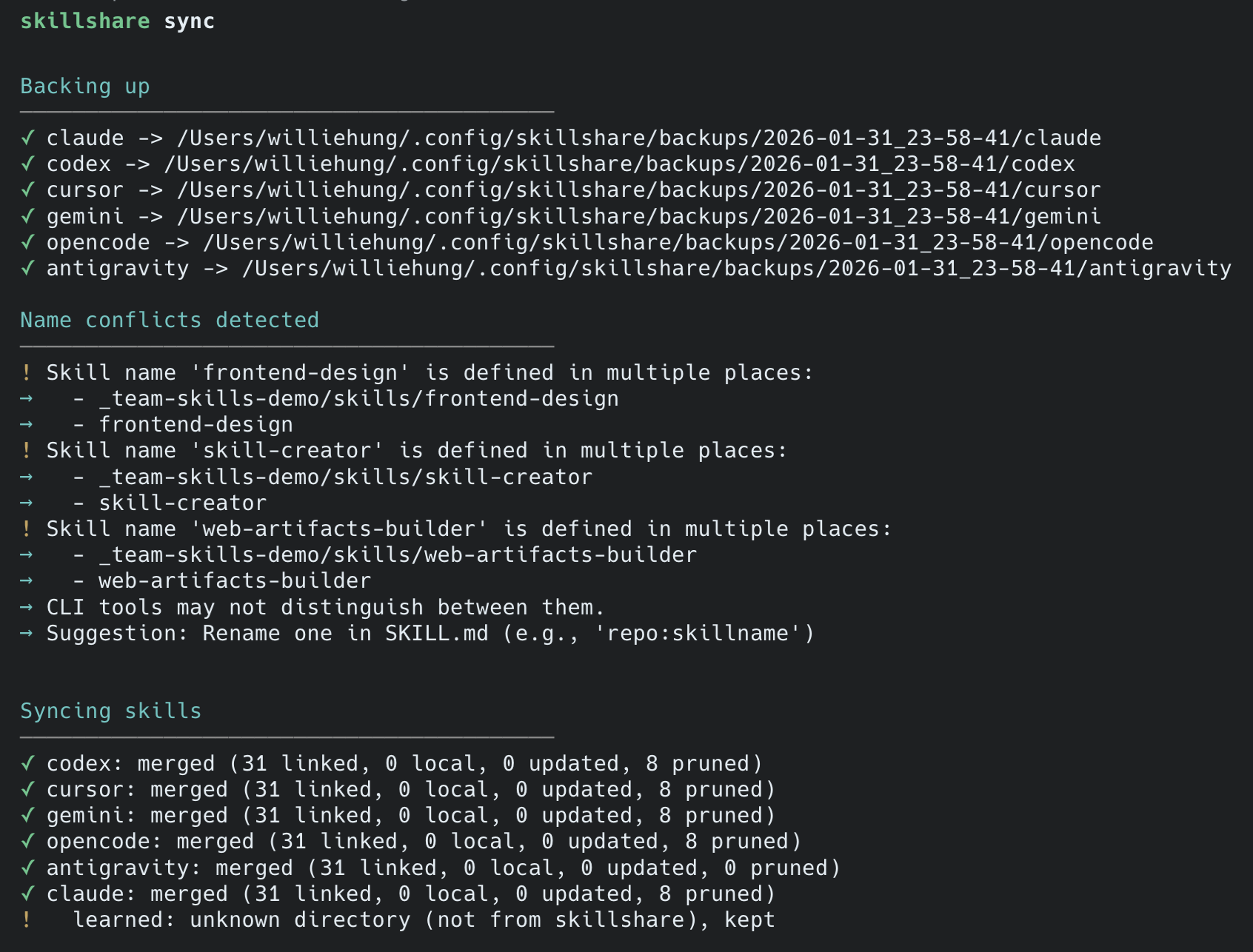
Best practice — namespace your skills:
# In _acme-corp/frontend/ui/SKILL.md
name: acme:ui

# In _other-team/frontend/ui/SKILL.md
name: other:ui
Commands Reference
| Command | Description |
|---|---|
install <url> --track | Clone repo as tracked repository |
update <name> | Git pull specific tracked repo |
update --all | Update all tracked repos + skills with metadata |
uninstall <name> | Remove tracked repo (checks uncommitted changes) |
list | List skills and tracked repos |
status | Show sync status |
Related
- install — Install commands
- sync — Sync operations
- cross-machine — Personal cross-machine sync