upgrade
Upgrade the skillshare CLI binary and/or the built-in skillshare skill.
skillshare upgrade              # Upgrade both CLI and skill
skillshare upgrade --cli        # CLI only
skillshare upgrade --skill      # Skill only
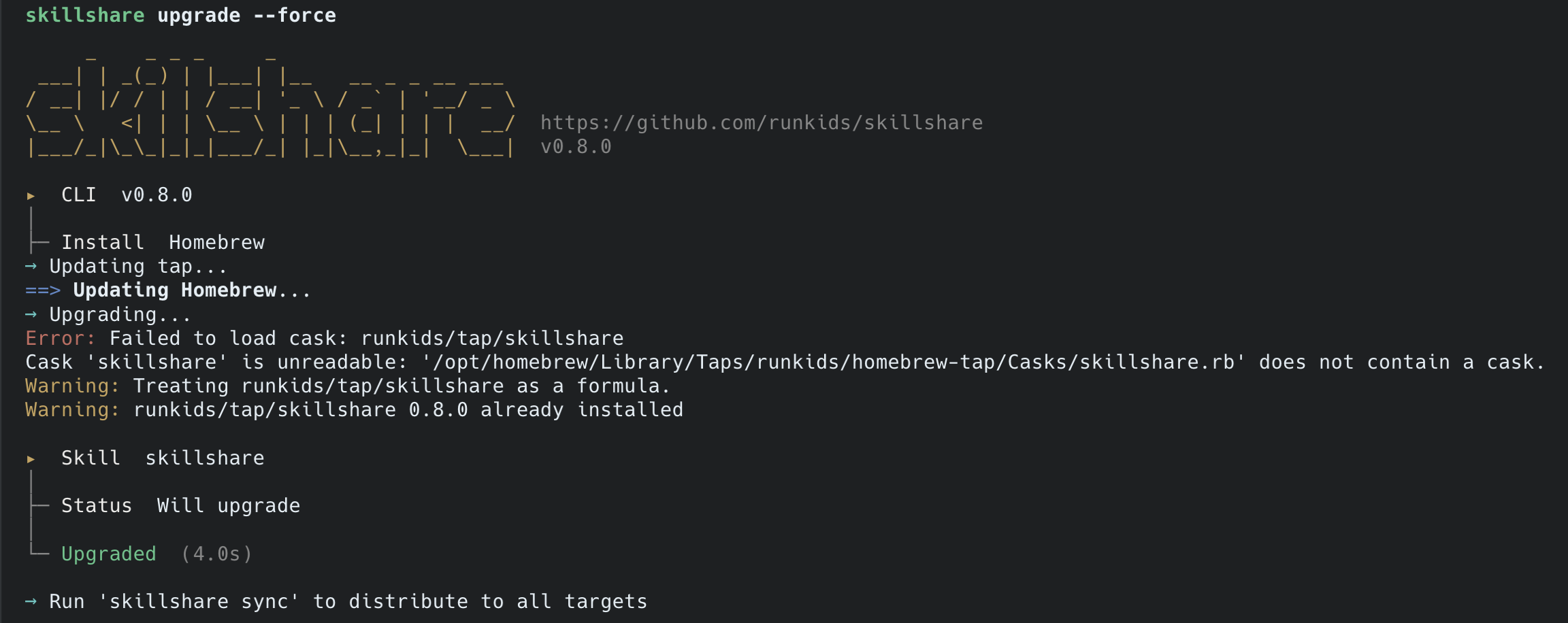
What Happens
┌─────────────────────────────────────────────────────────────────┐
│ skillshare upgrade                                              │
└─────────────────────────────────────────────────────────────────┘
                              │
                              ▼
┌─────────────────────────────────────────────────────────────────┐
│ CLI                                                             │
│   Current:  v1.1.0                                              │
│   └── Checking latest version...                                │
│       └── Latest: v1.2.0                                        │
│                                                                 │
│   Upgrade to v1.2.0? [Y/n]: Y                                   │
│   └── Downloading v1.2.0...                                     │
│       └── ✓ Upgraded to v1.2.0                                  │
└─────────────────────────────────────────────────────────────────┘
                              │
                              ▼
┌─────────────────────────────────────────────────────────────────┐
│ Skill                                                           │
│   skillshare                                                    │
│   └── Not installed                                             │
│       └── Downloading from GitHub...                            │
│           └── ✓ Upgraded                                        │
└─────────────────────────────────────────────────────────────────┘
Options
| Flag | Description |
|---|---|
--cli | Upgrade CLI only |
--skill | Upgrade skill only |
--force, -f | Skip confirmation prompts |
--dry-run, -n | Preview without making changes |
--help, -h | Show help |
Homebrew Users
If you installed via Homebrew, the upgrade command automatically uses brew upgrade:
skillshare upgrade
# → brew upgrade runkids/tap/skillshare
Examples
# Standard upgrade (both CLI and skill)
skillshare upgrade

# Preview what would be upgraded
skillshare upgrade --dry-run

# Force upgrade without prompts
skillshare upgrade --force

# Upgrade only the CLI binary
skillshare upgrade --cli

# Upgrade only the skillshare skill
skillshare upgrade --skill
After Upgrading
If you upgraded the skill, run skillshare sync to distribute it:
skillshare upgrade --skill
skillshare sync  # Distribute to all targets
What Gets Upgraded
CLI Binary
The skillshare executable itself. Downloads from GitHub releases.
Skillshare Skill
The built-in skillshare skill that adds the /skillshare command to AI CLIs. Located at:
~/.config/skillshare/skills/skillshare/SKILL.md